


Z Wave Wireless Multi Sensor Homesafe Security System For Motion Temperature
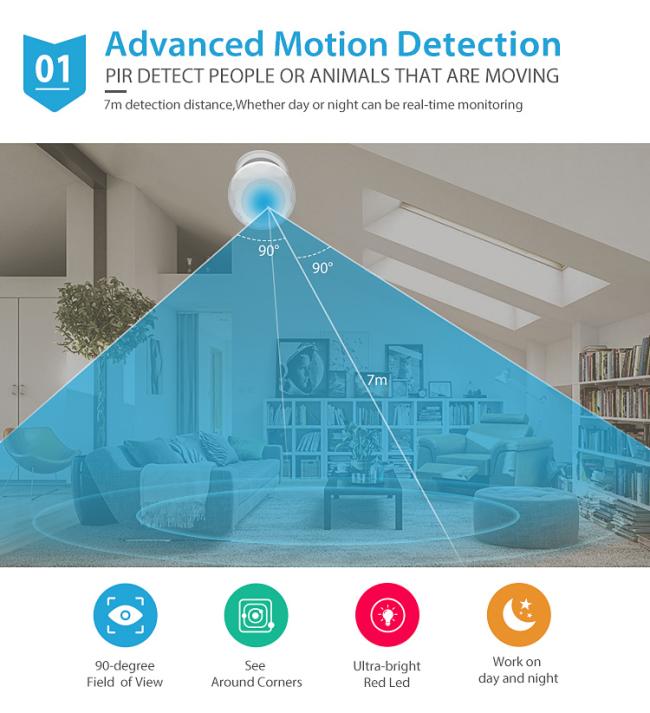
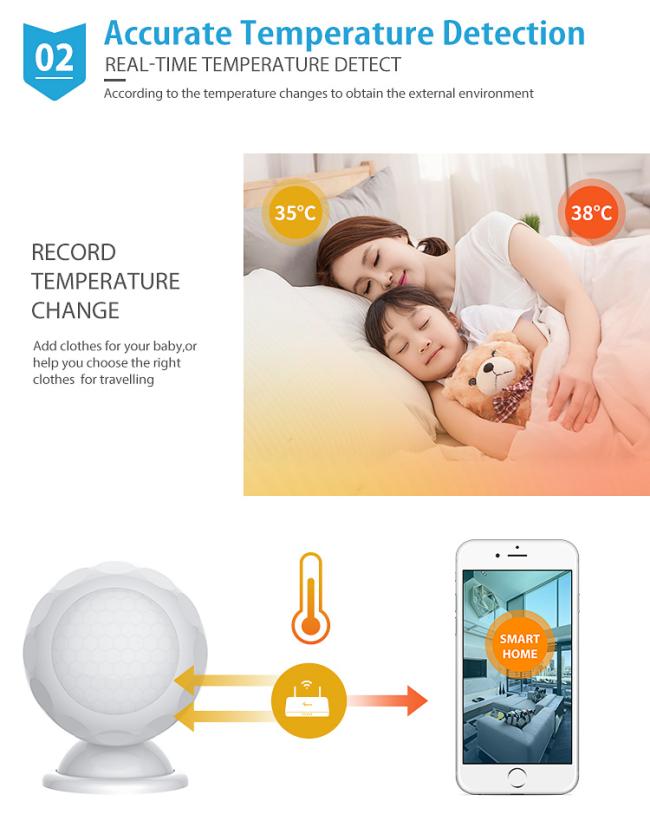
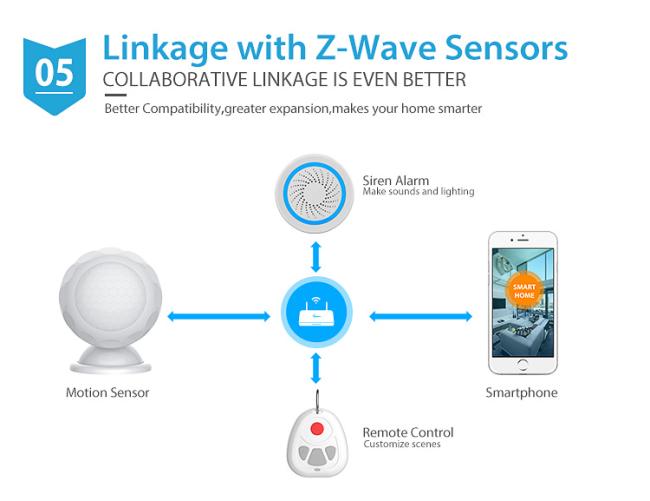
Z Wave Wireless Multi Sensor For Motion Temperature With Intelligent Alarm System Support Remote Control Product performance description Product Name Z-wave 3 in 1 sensor(light, temperature and motion sensor) Material Plastic products Function To detect motion, temperature, and illumination intensity Package Standard Box Home Automatic Z-Wave 3 and 1 multi-function sensor for temperature monitoring/movement monitoring/light regulation How To Use: APP CONTROL DOWNLOAD APP:
-
Product performance description
Product Name Z-wave 3 in 1 sensor(light, temperature and motion sensor) Material Plastic products Function To detect motion, temperature, and illumination intensity Package Standard Box Home Automatic Z-Wave 3 and 1 multi-function sensor for temperature monitoring/movement monitoring/light regulation
-
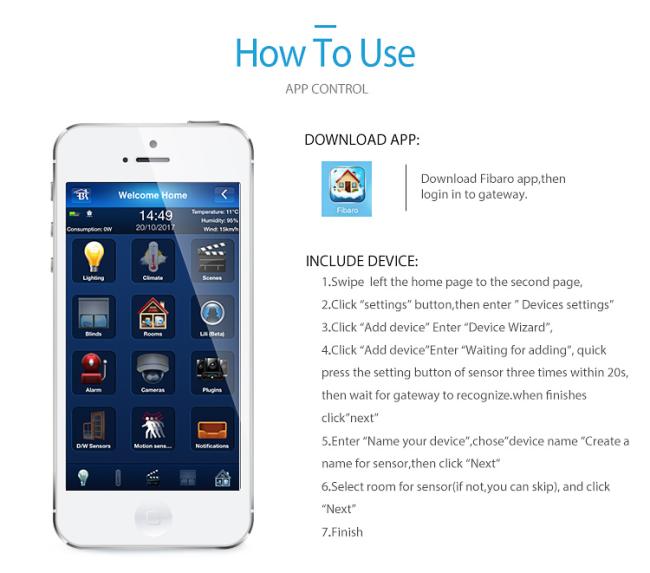
How To Use:
APP CONTROLDOWNLOAD APP:
Download Fibaro app then
Welcome Home login in to gateway.
INCLUDE DEVICE:
1. Swipe left the home page to the second page -
2. Click “settings"buttonthen enter"Devices settings Dleds Laets
-
3. Click"Add device"Enter"Device Wizard”
-
4. Click“Add deviceEnter"Waitingfor adding"quick press the setting button of sensor three times within 20s then wait for gateway torecognizewhen finishes click"next"DW
-
5. Enter“Name your device"chosedevice nameCreate a name for sensorthen click“Next
-
6. Select room for sensor(if not you can skip)and click “Next"
-
7. Finish

Recommended Products
